Describe the task in your own words
Tell it what to investigate or change in Telegram, instead of coordinating steps across separate tools.
AgentBot · A management and execution agent
Describe your task in Telegram. The AI agent interprets it, checks the project, makes the required changes and reports the result. Investigation, action and follow-up continue in the same conversation.
For managing project work
Describe the request and receive the result in the same place.
Tell it what to investigate or change in Telegram, instead of coordinating steps across separate tools.
Ask “This bot isn’t responding; investigate it.” The agent examines the current situation and looks for the cause.
Investigation and correction stay in one conversation. The agent can make the required changes to the project.
It reports what it found, what changed and what it checked. The result comes back in the same Telegram conversation.
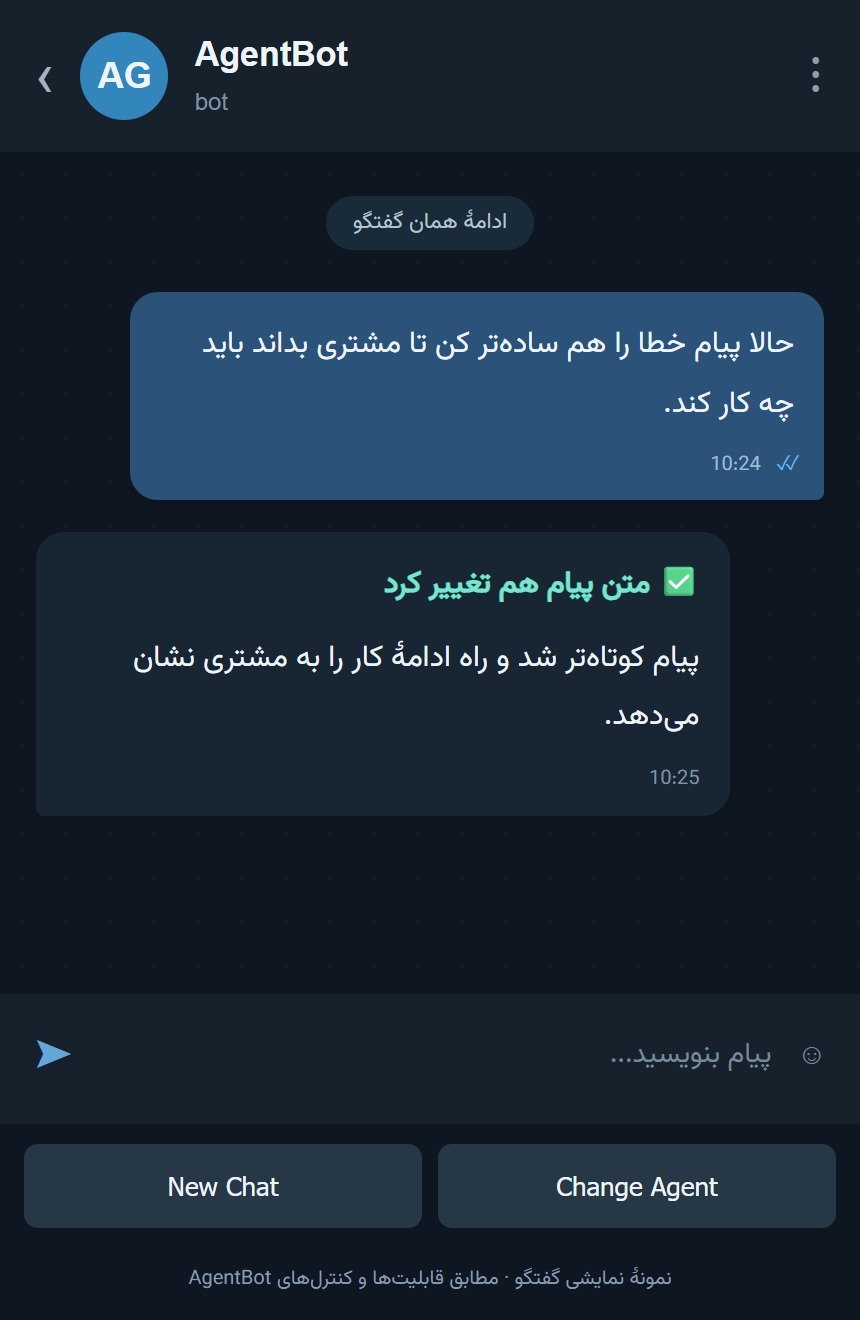
Send a follow-up to continue the same task, or start a new chat for a different topic.
A stop button is available while it works. You can stop further work if the request changes; this doesn’t undo changes already made.
You and the agent
You
Explain what should be investigated or changed and the result you want.
Agent
Examines the situation, makes the necessary change and reports its checks.
Control and follow-up
Read the report, send a follow-up or stop the active request.
In everyday use
| Task | With separate follow-up | With AgentBot |
|---|---|---|
| Starting a task | Moving between tools and coordinating the steps | One clear request in Telegram |
| Handling a problem | Separate investigation, correction and follow-up | Investigation and action in the same conversation |
| Following up | Restating the task context | Continue the conversation about the same request |
| Seeing the result | Putting results together across steps | A report of what was found, changed and checked |
Tell me which tasks take up your time in investigation, execution and follow-up.
Inside AgentBot
Send the request and see the running indicator and stop button in the same conversation.
A reconstructed Telegram view with an illustrative conversation, matching production capabilities.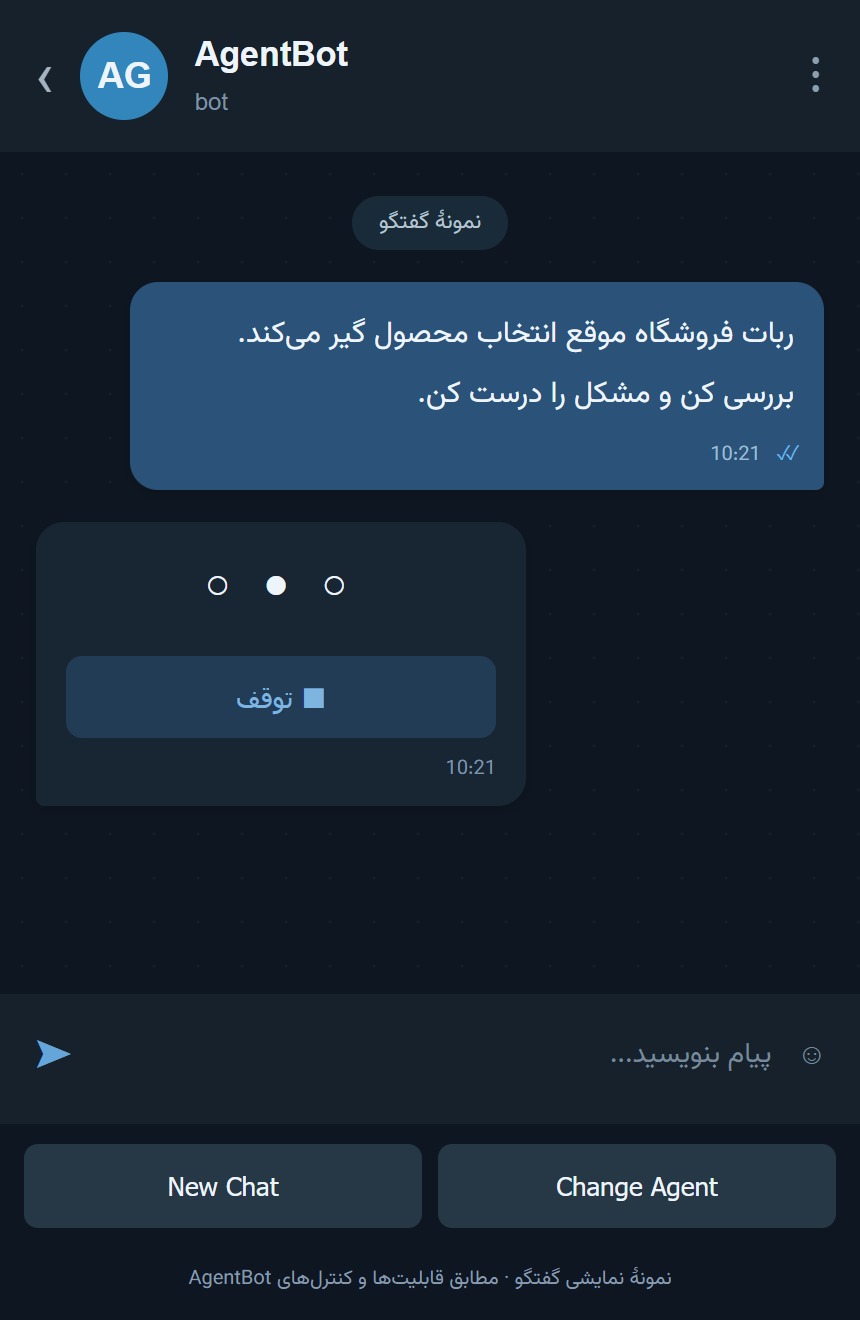
Inside AgentBot
The report explains what was found, what changed and what was checked.
A reconstructed Telegram view with an illustrative conversation, matching production capabilities.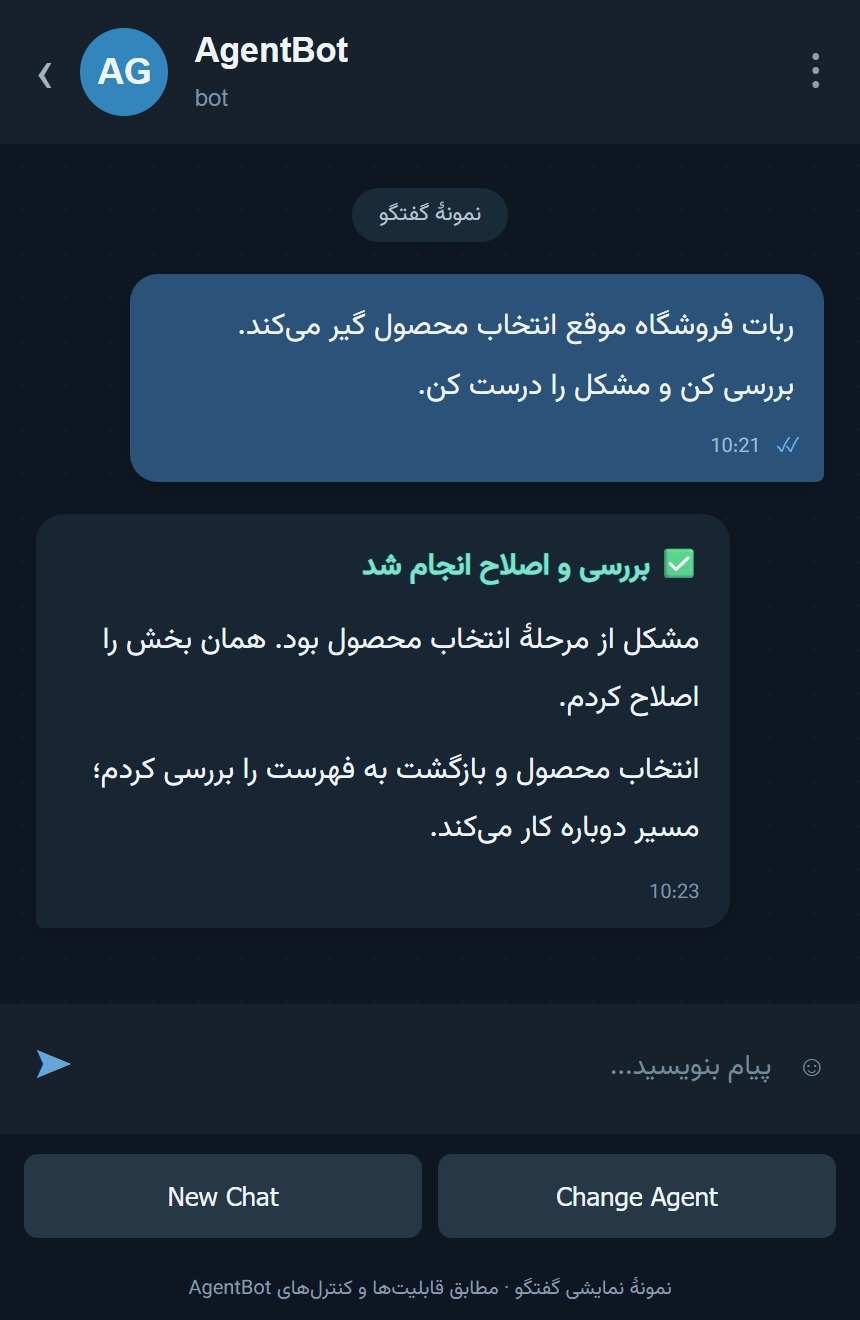
Inside AgentBot
Send a follow-up about the same task without explaining everything again.
A reconstructed Telegram view with an illustrative conversation, matching production capabilities.